720° Virtual Tour Construction Service
A 720-degree virtual tour is an interactive online spatial experience technology that allows your clients to freely explore your space in 360 degrees on a computer or smartphone. Visitors can look around every corner using their mouse or finger, and freely navigate between different rooms, floors, or areas through tour hotspots — just like being there in person.
Service Features
- Ultra-High Resolution:10K to 16K panoramic images, far exceeding Google Street View's 4K quality — details remain sharp even when zoomed in
- Fully Customizable:Tour interface, brand logo, navigation points and routes are all adjustable
- Cross-Device Support:Works on computers, phones, and tablets — no app installation needed
- Website Embeddable:Embed code provided for easy integration into your website, booking platform, or Google Business
- Multi-Language Support:Tour interface supports Chinese, English, Japanese, and more
Suitable Venues
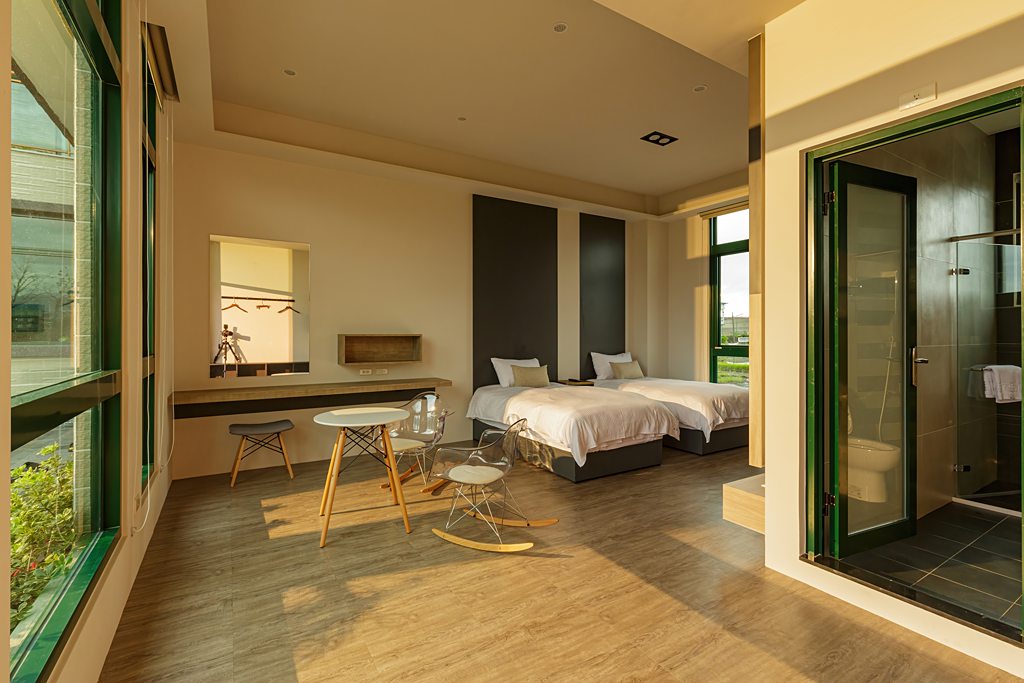
- B&Bs & Hotels — Room showcases, facility tours
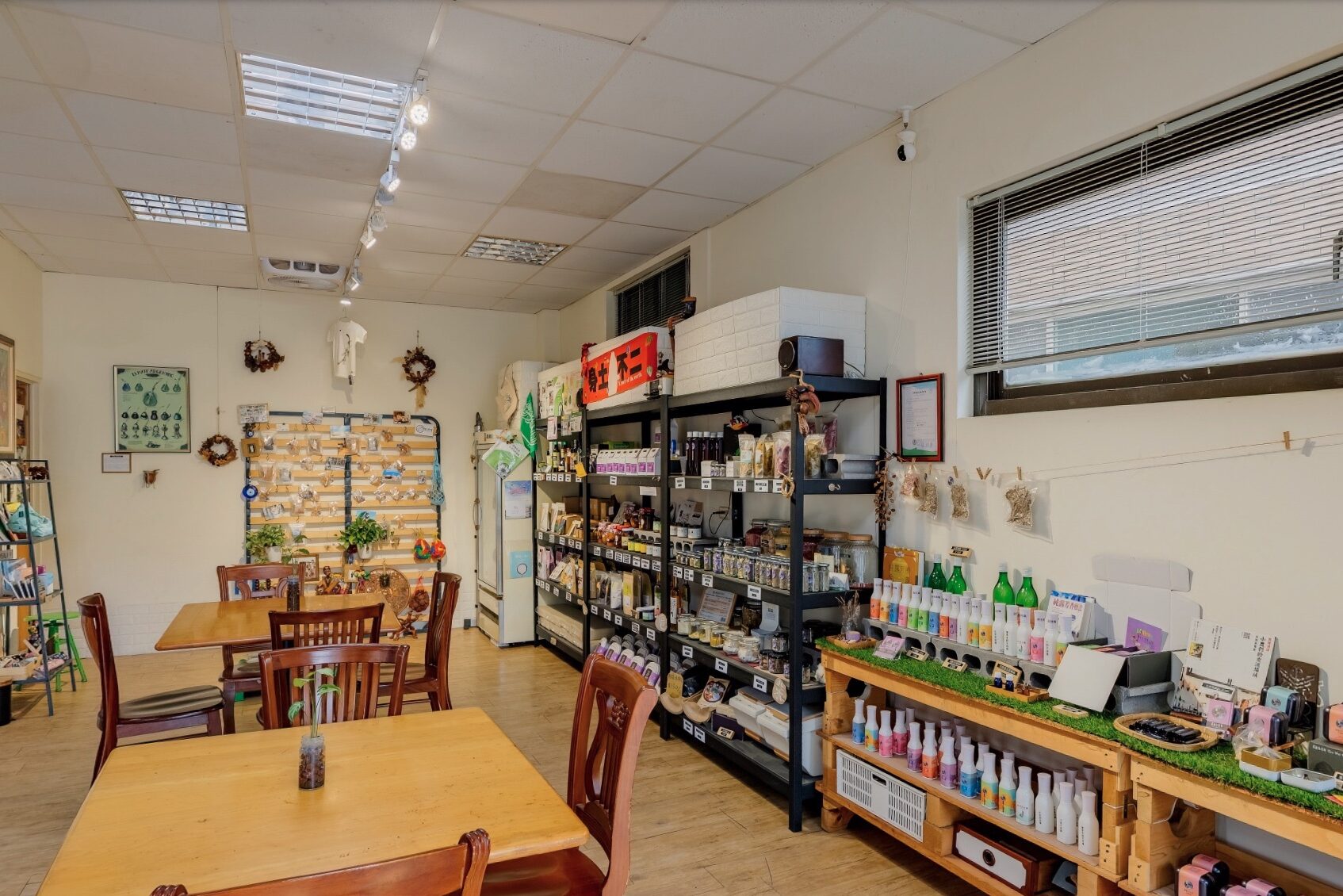
- Restaurants & Cafés — Ambiance showcase, seating preview
- Exhibition Spaces & Museums — Online exhibitions, virtual visits
- Real Estate — Pre-sale and resale property online viewing
- Schools & Educational Institutions — Campus tours, recruitment displays
- Commercial Spaces & Offices — Corporate image display
- Wedding Venues — Online venue preview
Service Process
- Consultation:Understand your space type, tour requirements, and budget
- Site Survey:Assess space size, plan optimal tour points and shooting route
- Professional Shooting:Professional panoramic equipment, multiple HDR photos per point
- Post-Production:Photo stitching, color correction, exposure adjustment
- System Construction:Build interactive tour system, set up navigation points and routes
- Testing & Delivery:Cross-device testing and delivery with embed code and instructions
Technical Specifications
- Panoramic image resolution: 10,000px ~ 16,000px (width)
- Image format: Equirectangular projection
- Tour system: Built with Pano2VR, supports HTML5
- Browser support: Chrome, Safari, Firefox, Edge
- 載入速度:優化圖片壓縮,首屏載入 < 3秒
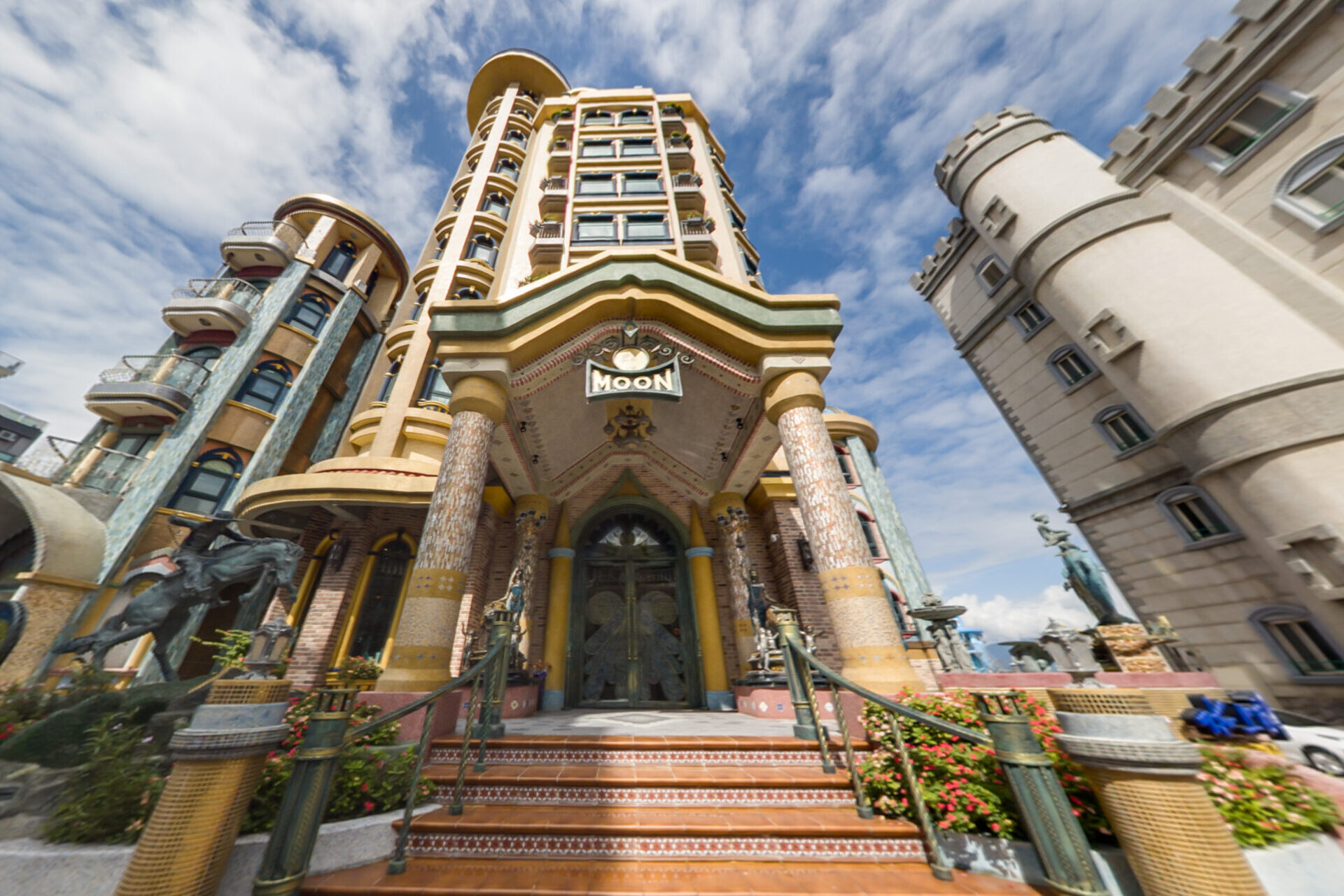
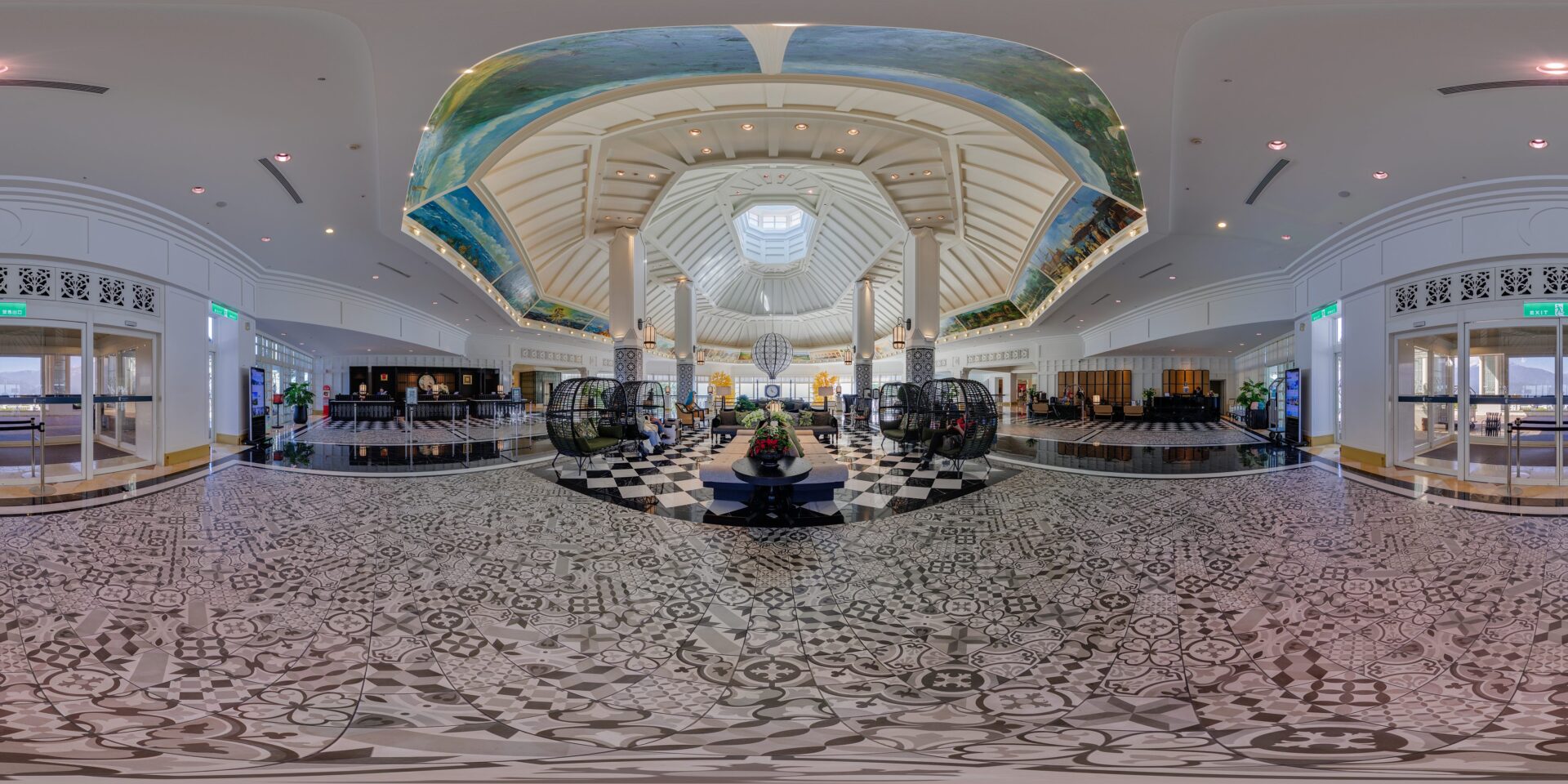
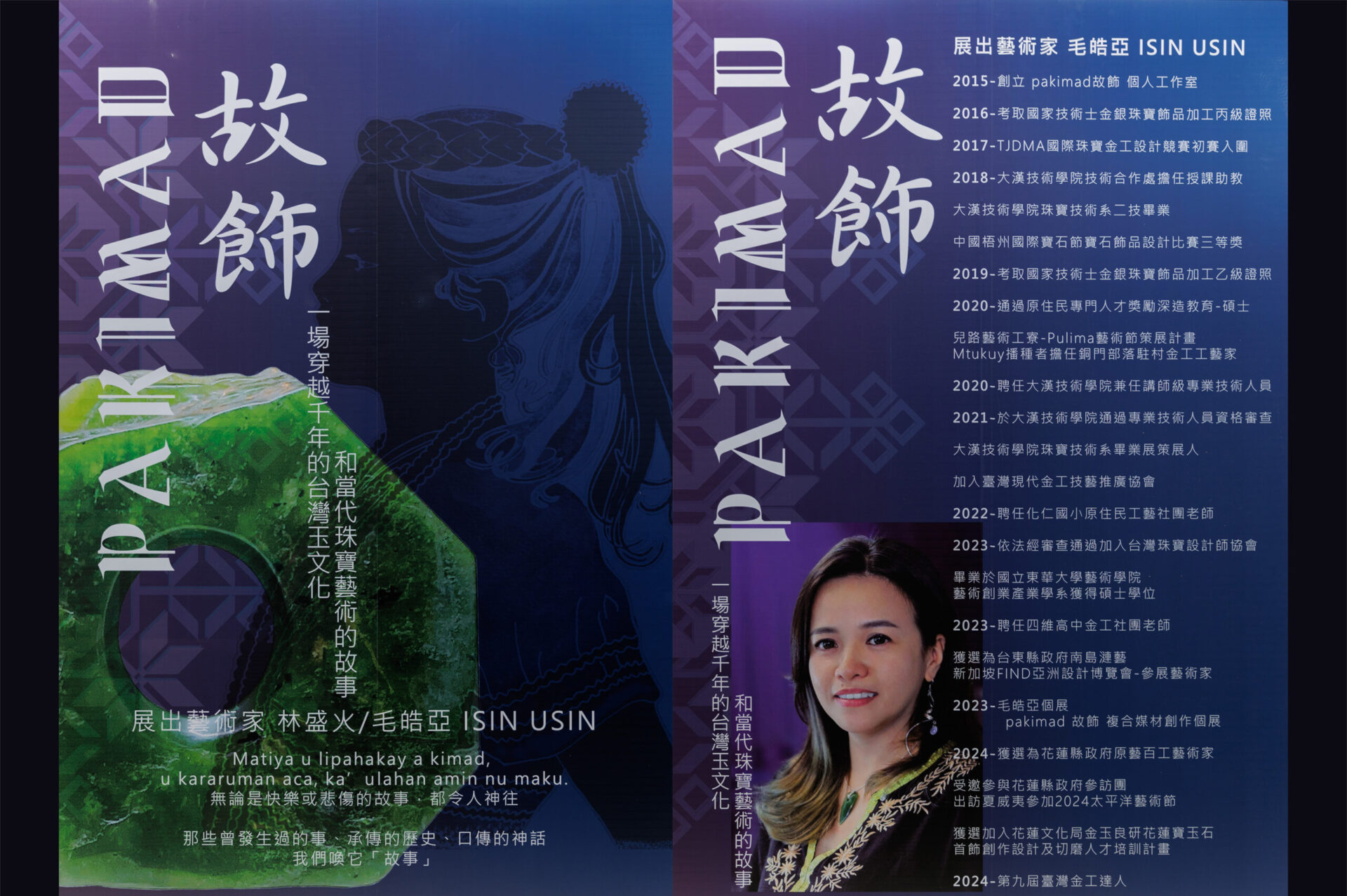
Virtual Tour Portfolio


Interested in this service?
Contact us for a free consultation and quote.
In-Depth Guide: Virtual Tour Photography
The following helps you prepare before shooting and understand every step of the process.
Pre-Shoot Preparation
- We conduct an on-site survey to assess approximately how many shooting hotspots are needed, whether there are objects, furnishings, or scenes that should be specially highlighted through the tour, whether product-to-store linking should be set up, and what business information to include. We then produce a sample tour for the client to confirm the number and placement of hotspots and the content of information cards.
- Confirm the shooting date after signing the contract and receiving the deposit.
- The scenes presented in the tour are the spaces you want clients to see, so please ensure the space is organized before shooting.
Shooting Day Notes
- Please turn on all the lights in the space beforehand, regardless of whether it is nighttime or dawn/dusk — scenes with lights on look more atmospheric. If you have specific style preferences, please communicate them with the photographer in advance.
- For hospitality venues, ensure all guest amenities are fully replenished and properly arranged.
- If the venue has windows, close them and position the curtains neatly.
- If the space is stuffy from closed windows, turn on AC but turn off fans (if any) to prevent objects shifting from fan wind during shooting.
- Since the entire space will be captured during shooting, please ensure no one remains in the area to avoid delays in the process.
- Each hotspot takes approximately 3 to 5 minutes to shoot depending on the location conditions. For scenes with large floor-to-ceiling windows, a single hotspot may take 20 to 40 minutes to photograph.
Post-Shoot Review Process
After the shoot, we will first deliver one or two sample photos to the client to confirm whether the color, brightness, and overall tone meet expectations. Once confirmed, all subsequent photo post-processing will be adjusted based on this standard. Approximately three business days are then needed for post-processing, stitching, and tour construction. Upon completion, the link will be sent to the client to review the following points:
- Whether photo colors and brightness match the agreed-upon look
- Whether tour hotspot photos have any flaws or objects needing removal
- Whether links, hotspot labels, and business info in the tour are correct
Once confirmed, delivery is complete.
How to Use After Completion?
We provide HTML5 web files and complete tour architecture. You can:
- Embed in Website — Hand to your web company or embed it yourself
- Free Hosting — Host on free platforms like GitHub Pages to get a web link
- Social Sharing — Create a QR Code or share the link on social media
- Google Business — Integrate into Google Business Profile for more exposure
Ready to start?
From consultation to delivery, we assist you every step.